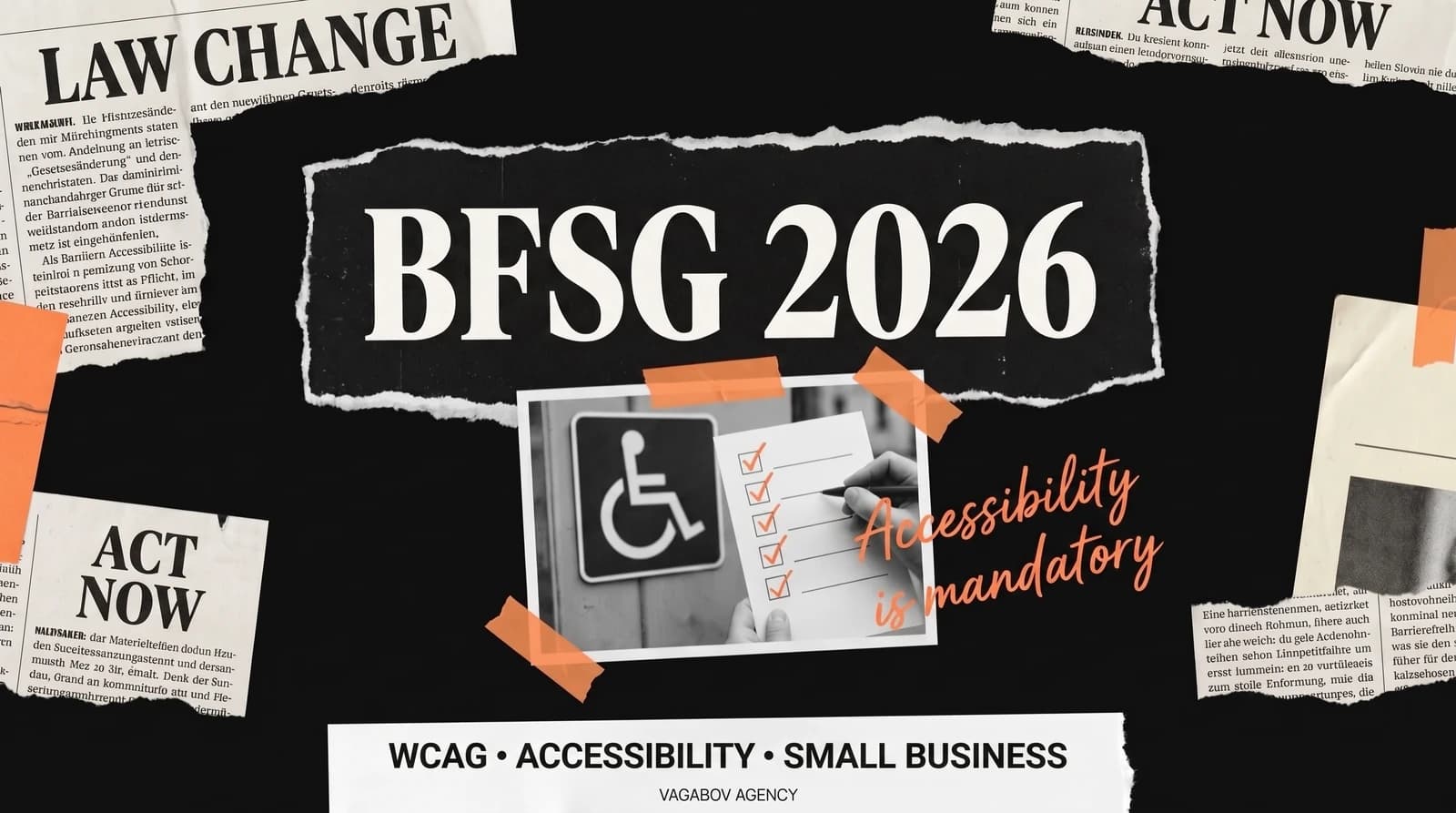
Since 28 June 2025, the BFSG (Barrierefreiheitsstärkungsgesetz, Germany’s accessibility act) has been in force. Two opposite misconceptions have been circulating ever since:“From now on, every website has to be accessible” — and “As a small business, this doesn’t affect me anyway.” Neither is right as stated.
In this article I explain who the BFSG actually applies to, which exemptions exist, which technical standard is behind it, and five steps to make your website more accessible — whether the law requires it of you or not.
Note: This article is a general overview (as of October 2026) and not legal advice. If you are unsure whether the BFSG applies to your offer, check with a lawyer or your IHK (chamber of industry and commerce).
What is the BFSG — and does it affect your business?
The BFSG implements EU Directive 2019/882, the European Accessibility Act. It does not apply to all websites, only to certain products and services for consumers. The products include computers, smartphones, e-book readers and ATMs. The services include telecommunications, consumer banking services, e-books, certain passenger transport services — and so-called e-commerce services.
For most small businesses, this last point is the decisive one. It covers offers on websites or in apps through which consumers conclude a contract online (§ 2 No. 26 BFSG). Typical examples:
- an online store that sells to private customers,
- a booking portal or ticket sales,
- an online ordering system, for example for food pickup or delivery.
An online appointment booking system through which customers book a service directly can also be covered. With hybrid cases like these, it pays to take a close look.
Don’t confuse the BFSG with the BITV 2.0: that ordinance applies to federal public bodies, such as government agencies — not to private companies.
When the BFSG usually doesn’t apply
- Purely informational websites: A site that presents your business and offers ways to get in touch, without any contract with consumers being concluded online, is usually not covered. A contact form alone doesn’t turn it into an online store.
- Purely B2B offers: The law protects consumers. If you sell exclusively to businesses, that offer is generally not covered.
- Microenterprises that provide services: If you employ fewer than ten people and have an annual turnover or annual balance sheet total of no more than €2 million (§ 2 No. 17 BFSG), you don’t have to meet the requirements for services. This exemption does not apply to products.
Even if an exemption applies to you, accessibility is not money wasted. A website that is easy to read and use works better for everyone — and you are prepared if your business grows or you add an online store later.
And if the BFSG does apply to you? Then your offer has to meet the accessibility requirements. You also have to state publicly, in an accessible format, how it meets them (§ 14 BFSG with Annex 3). In practice, this is usually done with an accessibility statement (“Erklärung zur Barrierefreiheit”) on the website.
Which standard applies? WCAG explained simply
In practice, the technical benchmark is the European standard EN 301 549. For web content, it refers to the Web Content Accessibility Guidelines (WCAG) 2.1 at level AA. The current version, WCAG 2.2, builds on this and adds a few criteria, for example on the visibility of keyboard focus and the minimum size of click targets. If you are building a new site today, it’s best to aim for WCAG 2.2 AA right away.
WCAG rests on four principles:
- Perceivable: Content must be perceivable through more than one sense. Images need alternative text, videos need captions.
- Operable: Everything must also work with a keyboard — without traps you can’t get back out of.
- Understandable: Texts are clear, navigation is predictable, and forms explain what they expect. Error messages say exactly what is wrong, not just “Error.”
- Robust: The website works reliably with assistive technologies such as screen readers, for example NVDA, JAWS or VoiceOver.
5 practical steps to an accessible website
1. Alternative text for images: Not “image123.jpg” but, for example, “Bäckermeisterin vor ihrer Filiale, im Schaufenster frische Brötchen” (master baker in front of her shop, fresh rolls in the window). Good alt texts are concrete and short. Purely decorative images get an empty alt attribute (alt=""), so screen readers skip them. Videos need captions. Tools like WAVE or axe DevTools find missing alt texts automatically.
2. Sufficient color contrast: At level AA, WCAG requires a contrast ratio of at least 4.5:1 for normal text and 3:1 for large text (from 24 pixels, or from just under 19 pixels in bold). The outlines of controls, such as the border of an input field, and important graphics also need at least 3:1. A contrast checker, such as the one from WebAIM, tells you in seconds whether your colors work. The classic mistake: light gray text on a white background — elegant, but hard for many people to read.
3. Make sure everything works with a keyboard: Press the Tab key on your website. Can you get everywhere? Can you always see where you are? Can you get back out of every element, such as a pop-up? A visible focus indicator is one of the AA requirements. If you remove it in CSS with outline: none, you have to set your own, clearly visible focus style. Also make sure that cookie banners or sticky headers don’t hide the focused element — that is one of the new criteria in WCAG 2.2.
4. Use semantic HTML: Screen readers read the structure of your page, not your design. A heading is an <h2>, not a <div> with large, bold text. The navigation belongs in <nav>, and a button is a <button>. Form fields need visible, correctly linked labels, and the page language belongs in the HTML (lang="de"). Incidentally, a clean structure also helps search engines understand your content.
5. Stay away from accessibility overlays: The temptation is great: a plugin that promises to make your site “automatically accessible” with a code snippet. Accessibility experts widely criticize such overlays because they tend to cover up problems rather than solve them. In the US, the vendor accessiBe was ordered in 2025, after proceedings by the trade regulator FTC, to pay $1 million — over unsubstantiated claims that its tool would make any website WCAG-compliant. Accessibility comes from the code and the content, not from a layer on top.
For testing: automated tools such as WAVE, axe DevTools or the Lighthouse report in Chrome find many problems, but far from all of them. Add a keyboard test, and try out your most important pages with a screen reader. VoiceOver is built into every Mac and iPhone, and NVDA for Windows is free.
What happens if the law applies to you and you don’t act?
Enforcement lies with the joint market surveillance authority of the German states for the accessibility of products and services (MLBF) in Magdeburg. The authority can demand that shortcomings be fixed and can impose fines — up to €10,000 or up to €100,000, depending on the violation (§ 37 BFSG). Consumers and recognized associations can also ask the authority to open proceedings (§ 32 BFSG).
Then there is competition law: since summer 2025, the first known cases have appeared in which competitors sent an Abmahnung (a formal cease-and-desist letter, usually with costs) citing the UWG (German Unfair Competition Act). How the courts will assess BFSG violations in the long run has not yet been settled. If you receive an Abmahnung, don’t ignore it and don’t sign anything unchecked; have a lawyer review it.
And finally, it’s about customers. According to Germany’s Federal Statistical Office, just over 7.8 million people with severe disabilities lived in Germany at the end of 2025 — 9.4% of the population. On top of that, there are many older people with declining eyesight and everyone who is temporarily limited: with an arm in a cast, in glaring sunlight or in a noisy environment without sound. A website that doesn’t work for them loses inquiries — regardless of the law.
Conclusion: clarify first, then act deliberately
First check whether the BFSG applies to your offer: Do you sell online to consumers? Are contracts concluded through your website? Are you above the thresholds for microenterprises? If you answer yes to all three questions, the five steps above and an accessibility statement belong on your to-do list. If not, the basics are still worth it. On a new build they cost little and make your website better for everyone.
Accessibility is not a feature you “bolt on” at the end. The easiest way is to plan for it from the start. If you want to know where your website stands technically, we’ll look at it together in a free initial call.